Photo to portrait
Create a New Portrait with an AI Face Generator From Photo
An ai face generator from photo starts with a reference image and guides it toward a new portrait direction. Use the process to explore mood, styling, and character while keeping your source image as the visual anchor.
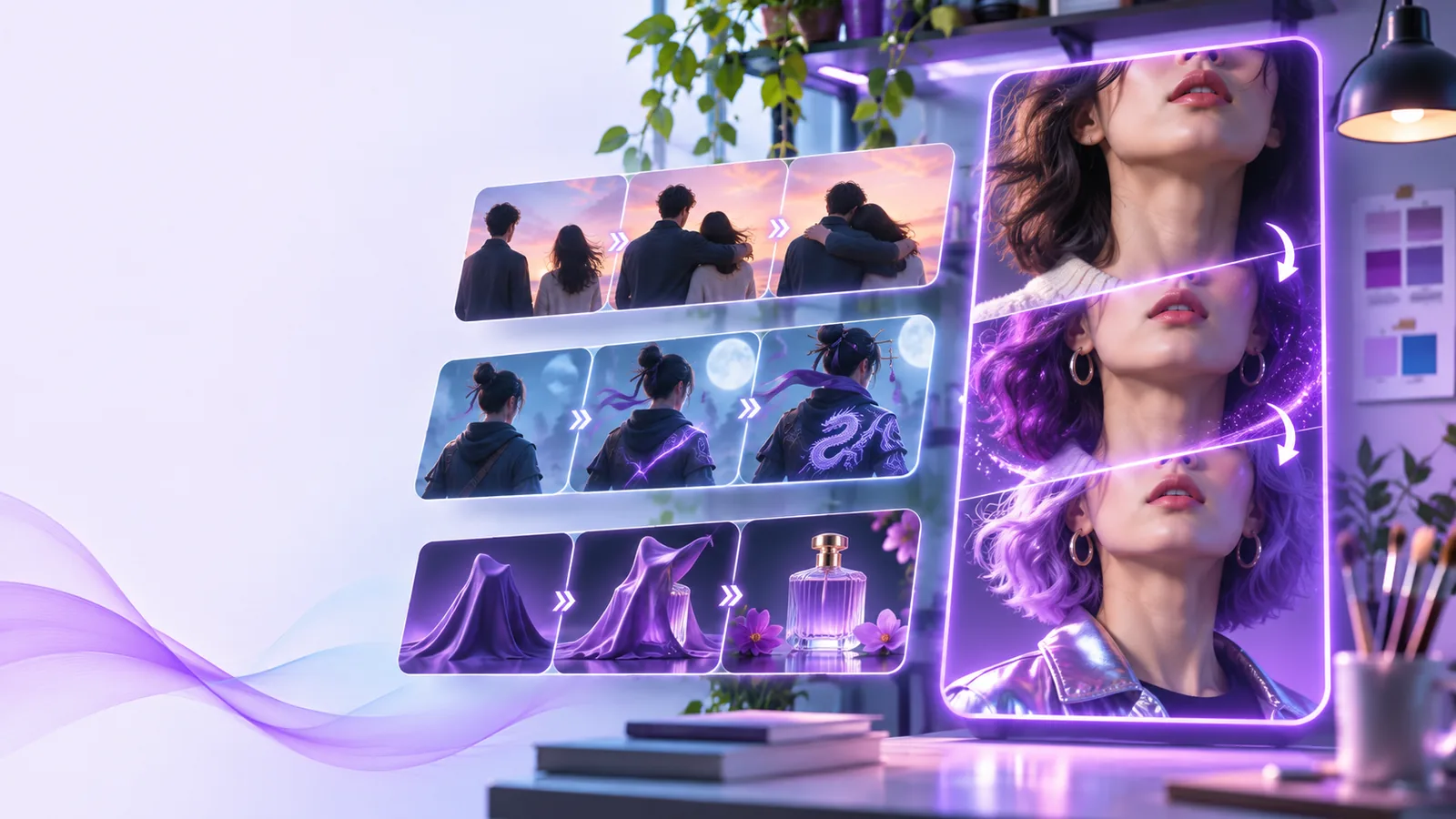
What This Variant Is
This workflow is an input-to-output transformation: a source portrait goes in, and a directed face concept comes out.
-
1
Choose a clear source
Start with a well-lit portrait where the face is visible and the main features are not hidden by heavy shadows, filters, or overlapping objects.
-
2
Set the visual direction
Describe the intended mood, setting, clothing, age range, lighting, or art direction so the output has a specific goal instead of a vague prompt.
-
3
Review the new portrait
Compare the generated result with the source, then refine the direction when the identity, expression, or styling does not match your intent.
Why Photo to Face Works
Moving from a reference photo to a new face concept gives you more control than describing every facial detail from memory.
- face swap ai Use a face swap workflow when the main goal is placing one recognizable face into another existing image.
- face ai examples free Browse practical face ai examples free to see how portrait ideas can change across styles, settings, and compositions.
- face ai online Try face ai online when you want to work from a browser-based surface instead of planning a local editing workflow.
The Tool Block
A reference-led workflow and a text-led workflow solve different problems. Use the comparison below to choose the better starting point for your portrait idea.
| Reference photo workflow | Text-only workflow | |
|---|---|---|
| Starting material | A supplied portrait acts as the visual anchor. | A written description is the only starting point. |
| Control over likeness | The source gives the direction a concrete facial reference. | Facial details must be described and interpreted. |
| Styling changes | Lighting, clothing, setting, and mood can be redirected around the source. | Styling can be described directly without an image. |
| Best for | Exploring variations on a known portrait or character concept. | Inventing a face when no suitable reference exists. |
| Input quality | Results depend on a clear, usable source photo. | Results depend on specific, unambiguous wording. |
| Refinement method | Adjust the requested visual direction while checking the source relationship. | Rewrite the prompt until the imagined face and scene become more precise. |
Input and Output Specifications
A photo-based result is not a perfect copy of the source. These boundaries help set a realistic expectation before you begin.
It cannot repair every source photo
Severe blur, extreme side angles, blocked eyes, and very low contrast can give the workflow too little facial information to follow reliably.
What to do instead
Use the clearest available portrait, preferably with even lighting and the face occupying a useful part of the frame.
It cannot guarantee an exact identity
A generated portrait may preserve broad visual cues while changing small details such as eye shape, expression, skin texture, or proportions.
What to do instead
Describe the desired relationship to the source and review several directions rather than treating the first output as a precise duplicate.
It cannot infer an unspoken art direction
A source photo does not explain whether you want realism, editorial styling, fantasy, studio lighting, or a specific period.
What to do instead
Add concrete instructions about mood, wardrobe, background, lighting, and intended use.
It cannot replace consent or judgment
A recognizable face should not be altered or presented in a misleading context without the appropriate permission and review.
What to do instead
Use images you have the right to transform, and label substantially altered portraits when context could be misunderstood.
See the Transformation
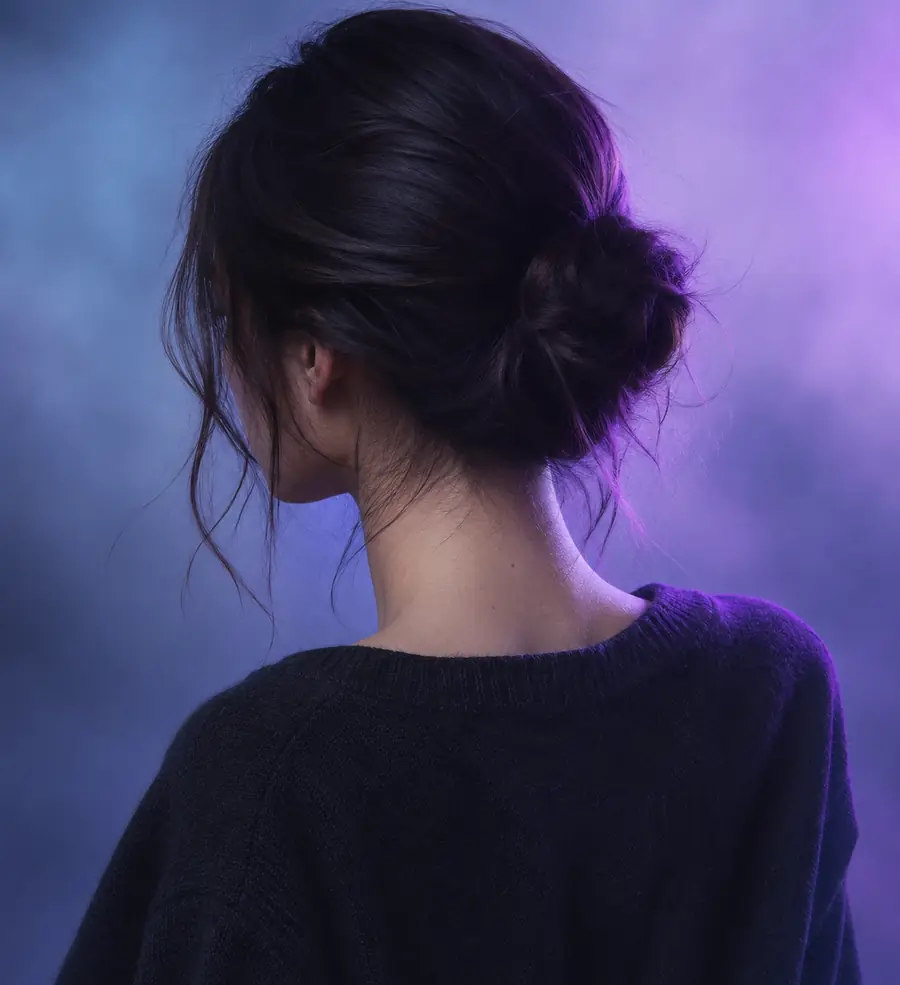
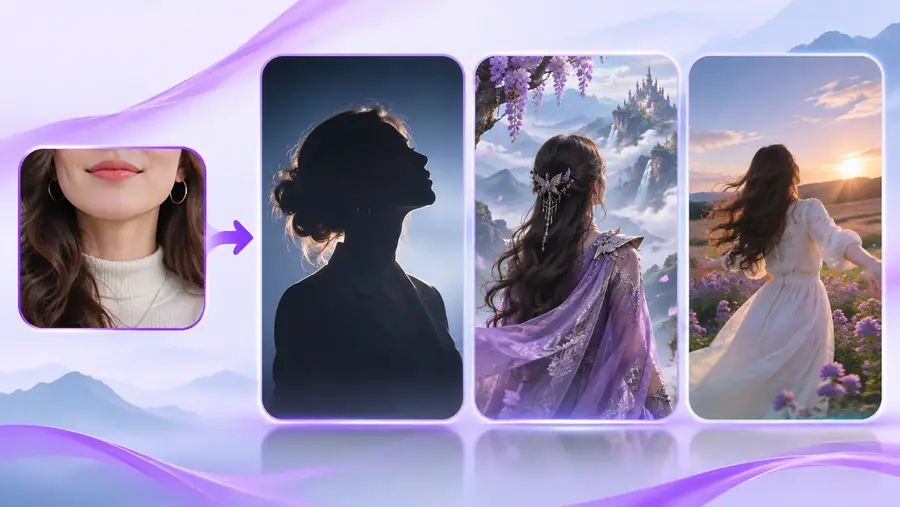
The source anchors the direction; the output explores a new visual treatment.
Reference photoGenerated variationTurn One Reference Into More Directions
Bring a clear portrait, describe the change you want, and use the resulting concept as a starting point for another round of refinement. Face ai is most useful when the reference and the requested direction work together: the photo supplies visual context, while your wording sets the mood and purpose. Whether you are exploring a character, planning a profile image, or testing an editorial look, an ai face generator from photo can help you move from a fixed image to a more flexible idea.
- Start with a clear reference photo
- Describe the visual change, not just the subject
- Review likeness, context, and consent before sharing
AI Face Generator From Photo FAQ
It is a photo-to-portrait workflow that uses a source image as a visual reference for a new face concept. You can guide the result with details such as mood, lighting, clothing, setting, and overall style.
A photo-based generator is intended to explore a new portrait direction from a reference. A face swap is more focused on placing a face into another existing image, so the two workflows have different inputs and expected results.
Use a clear portrait with visible facial features, balanced lighting, and limited obstruction. Blurry images, strong shadows, extreme angles, and heavy filters can make the output less consistent with the reference.
It may preserve broad visual characteristics, but it cannot guarantee an exact identity or pixel-level copy. Review the result carefully, especially when the portrait is recognizable or will be used in a public context.
Specify the intended mood, setting, lighting, clothing, expression, and visual style. Clear direction helps distinguish a deliberate portrait concept from an unspecified change to the source image.