Portrait creator
You want to test how a different reference face changes the mood of an existing portrait.
Keep the pose and setting while comparing a targeted identity change.
Focused face editing
Face swap ai is a focused route for replacing or reworking a visible face while keeping the surrounding scene in view. Start with a clear source image and a specific editing goal.
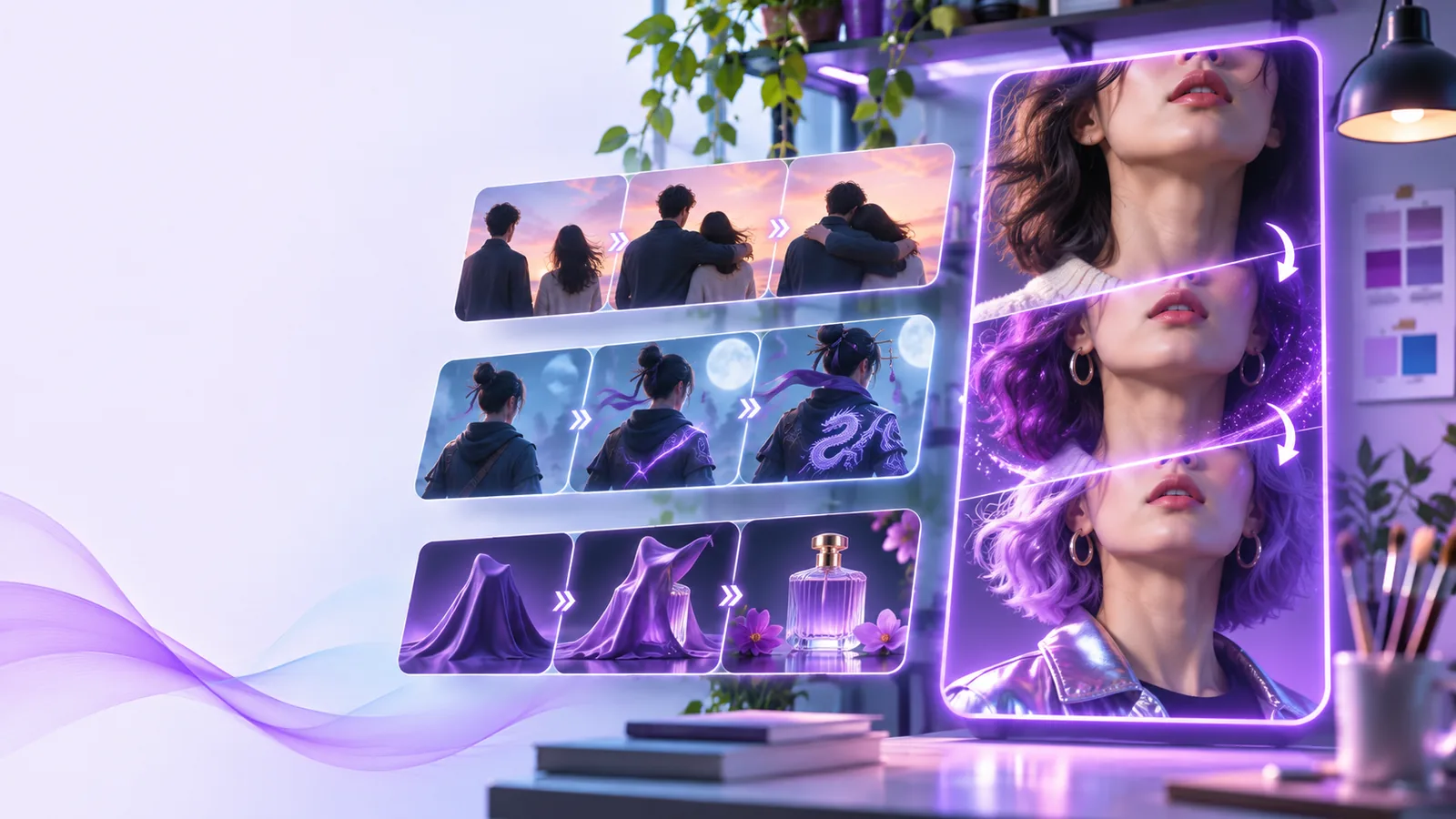
Choose the right route
Use the focused swap route when the identity change is the main task; choose a broader route when you want to explore other kinds of face creation or editing.
Set expectations
A focused swap workflow is useful because it narrows the job, but it is not a universal portrait editor. These boundaries help you decide when to use it.
Tiny faces, heavy blur, extreme angles, blocked features, and poor lighting can make a swap less convincing.
What to do instead
Use a sharp, well-lit reference with the face clearly visible and close to the intended angle.
Hair, glasses, shadows, expression, and skin tone can affect how closely the result resembles the reference.
What to do instead
Describe the details to preserve and review several variations before selecting one.
A tool can process an image, but it cannot determine whether you have permission to use someone’s likeness.
What to do instead
Use your own images or obtain clear permission before creating or publishing an edit.
A single-image swap is different from maintaining a consistent face across a long, moving sequence.
What to do instead
For motion work, plan a dedicated video workflow and inspect continuity frame by frame.
Simple workflow
The best results come from giving the workflow two useful inputs: a clear base image and a reference that shows the intended face without distractions.
Select the portrait or scene whose pose, clothing, background, and composition you want to keep.
Use a well-lit face image and explain what should change, what should remain, and how natural the result should look.
Check identity, edges, expression, lighting, and the surrounding scene before saving or sharing the final image.
Know the difference
The focused route and a general face AI route may overlap, but they serve different starting intentions. Use the comparison below to choose with less trial and error.
| Face swap AI | General face AI | |
|---|---|---|
| Primary job | Replace or reinterpret a face in an existing image | Explore a wider range of face-related image ideas |
| Starting input | Base portrait plus a face reference | A prompt, image, or broader creative direction |
| Scene preservation | Keeps the original setting and composition central | May change more of the image depending on the request |
| Best for | Identity-focused portrait edits and comparisons | Concepts, variations, and open-ended face creation |
| Prompt emphasis | Who changes and which visual details stay | What kind of face, style, or scene to create |
| Review priority | Identity, edges, lighting, and expression continuity | Overall concept, style, composition, and visual coherence |
| Main risk | A mismatch between the reference and the base image | A result that drifts away from the intended face concept |
A practical checklist
These are review checkpoints rather than performance claims. They keep a face swap workflow grounded in image quality, context, and responsible use.
Visual comparison
A useful comparison keeps attention on the face while making it easy to inspect what stayed consistent around the edit.
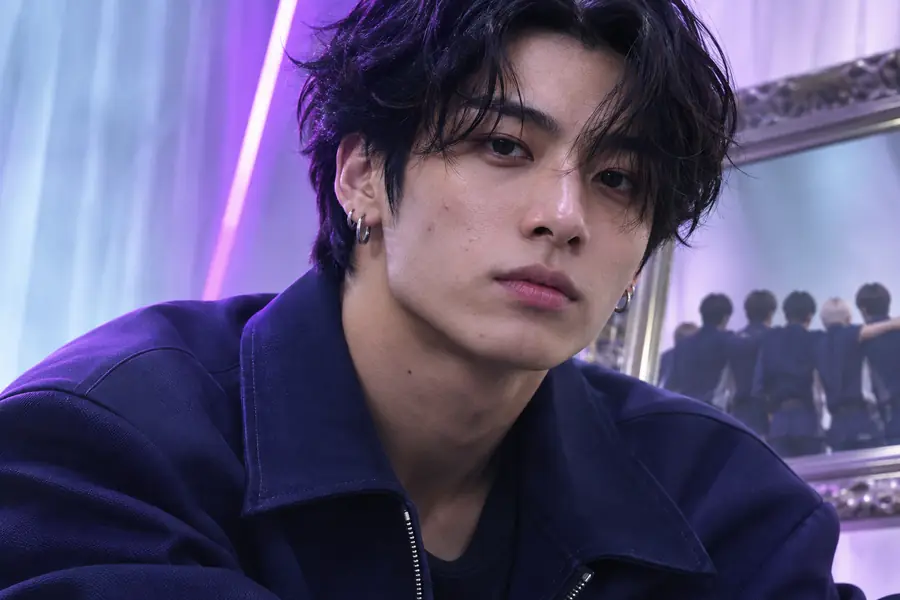
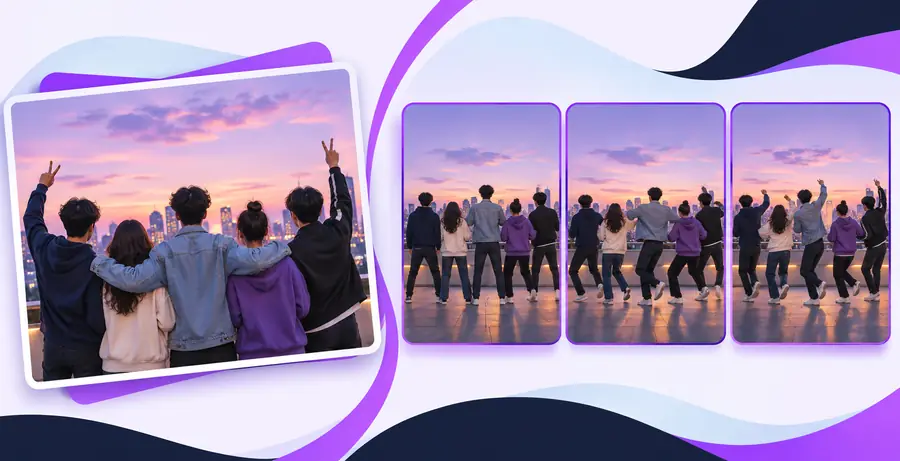
Compare identity, edges, and lighting.
Base imageEdited resultUseful applications
Different creators need different levels of control. These examples show when a focused face-editing route can be more useful than an open-ended generation prompt.
You want to test how a different reference face changes the mood of an existing portrait.
Keep the pose and setting while comparing a targeted identity change.
You are preparing several visual directions from one approved composition.
Explore face-focused variations without rebuilding the entire scene each time.
A client asks for a face adjustment while preserving clothing, framing, and background details.
Start from the existing image and describe the elements that must remain stable.
You are reviewing a portrait edit from a phone and need a clear, narrow task rather than a broad prompt.
Use a focused request, then inspect the result at a useful zoom before publishing.
Ready to edit
Bring a suitable base image, describe the reference face and the details to preserve, then review the result carefully. A focused instruction gives the workflow a better starting point than a vague request.
Common questions
Face swap AI is a focused image-editing workflow that changes a visible face while aiming to preserve the surrounding portrait or scene. It works best when the base image and reference face are both clear.
A face swap workflow starts with a specific identity-change goal and usually gives more attention to the base composition. General face AI is broader and may be better for creating new concepts, styles, or face variations from a prompt.
Use a sharp, well-lit image where the face is visible and not heavily covered by hair, glasses, shadows, or other objects. Similar angles and expressions between the base and reference can also make the result easier to review.
It is designed around keeping the existing scene relevant, but preservation is not guaranteed in every image. Check the edges, lighting, clothing, and background after the edit, especially when the face is large or the source image is complex.
Only use images and likenesses in ways you are allowed to use, and obtain permission when another person is identifiable. The tool cannot decide whether an edit is respectful, lawful, or appropriate for publication.